The Journal · Planning
How to Track Wedding RSVPs Without Chasing Every Guest
Set a deadline, give guests one place to reply, and always know who hasn't answered. A practical system for Filipino weddings.
By The RSVP Studio
Ask any couple what the most stressful part of wedding planning was, and RSVPs come up quickly. Replies arrive by text, Messenger, Viber and a call to your mother. Someone says yes for a family of five. The caterer needs a number on Friday. Here's a simple system that keeps every reply in one list.
Why wedding RSVPs get messy
Most RSVP problems come from three things: replies scattered across apps, no clear deadline, and no list of who was invited in the first place. Fix those three and the rest gets much easier.
1. Set an RSVP deadline
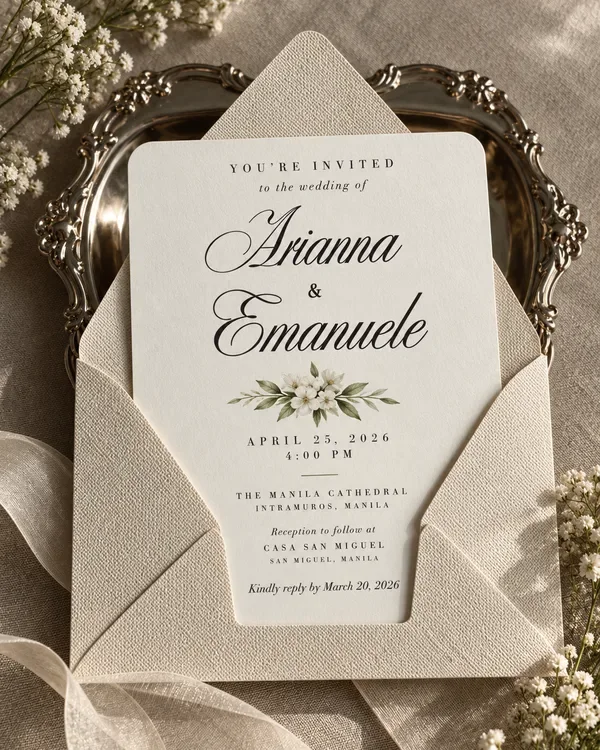
Pick a reply-by date about three to four weeks before the wedding. That gives you time to follow up, give your caterer a final count and finish the seating plan. Put the date on the invitation and on the RSVP form itself:
Kindly reply by the first of March so we can finalise our numbers.
2. Give guests one place to reply
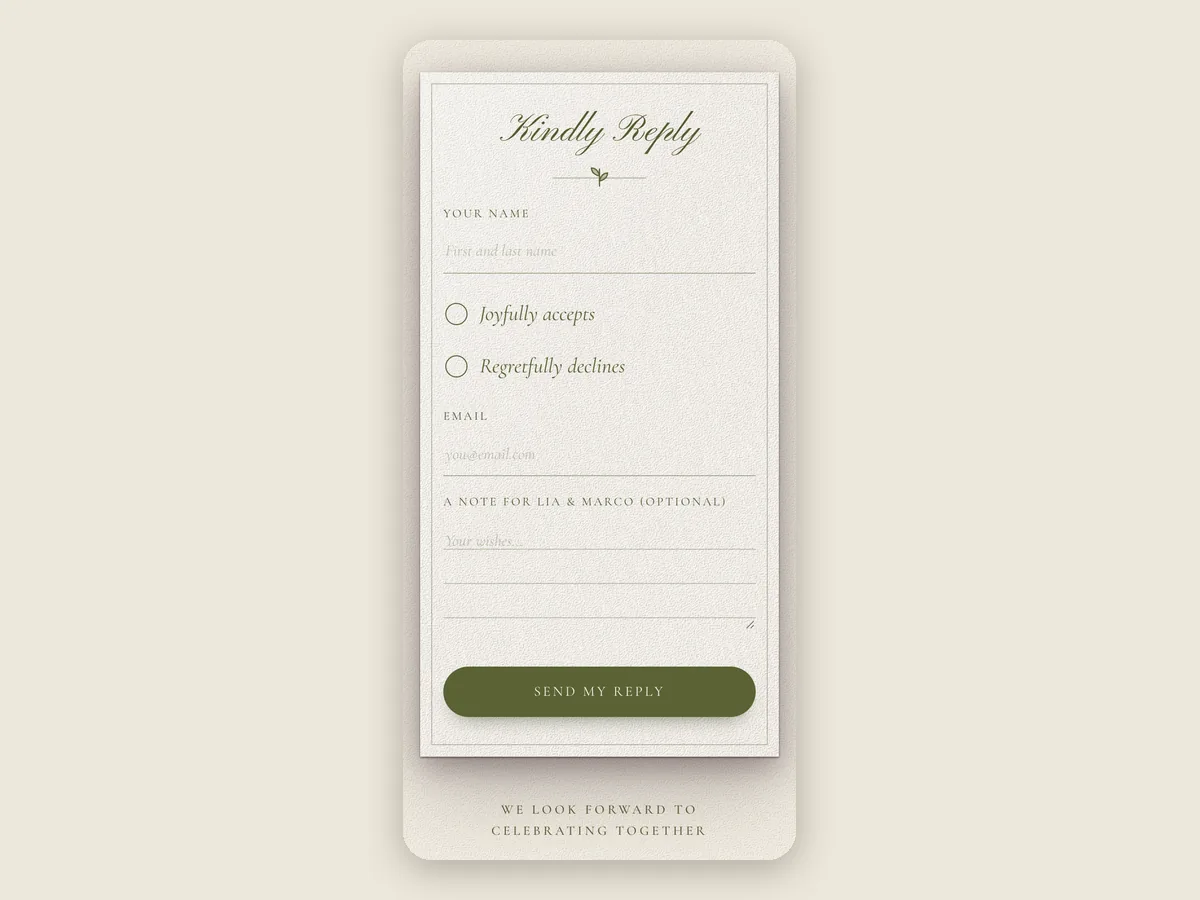
Choose one way to reply and put it everywhere. A wedding website RSVP form works well because guests can reply in under a minute, from any phone, at any time.
On an RSVP Studio website, every guest who replies gets a confirmation email, so they know their answer arrived. You see every reply in your Guests tab as soon as it comes in.
3. Keep an invite list
A guest list tells you who replied. An invite list tells you who hasn't, which is the list you actually need in the last two weeks.
Paste your guest list into the Guests tab, straight from a spreadsheet or your notes. Each guest gets their own personal link, so their reply is matched to their name, even if they type it differently. As replies come in, the list shows who has answered and who hasn't.
4. Decide how many seats each guest gets
Plus-ones cause more seating headaches than anything else. Decide early:
- Name every guest you're inviting, including children.
- Tell guests how many seats are reserved for them: "We have reserved two seats in your honour."
- On Premium, each guest's personal link sets the most seats they can reply for, and you can let only guests with a personal link reply.
5. Ask only what you need
Every extra question makes a guest more likely to leave the form for later. Ask what your caterer and coordinator need, like meal choices or dietary restrictions, and skip the rest. A free website can ask one question of your own and a Premium website up to five.
6. Follow up, kindly
A week before your deadline, open your invite list and look at who hasn't replied. The Guests tab has a reminder message you can copy and send by text or Messenger. Most late replies are people who meant to answer and forgot.
7. Send the final count
After the deadline, export your guest list as a CSV for your caterer and coordinator. Then you're ready to make your seating chart.
Frequently asked questions
When should the RSVP deadline be for a wedding?
About three to four weeks before the wedding. That leaves time to follow up, give your caterer a final count and finish the seating plan.
What if guests don't RSVP by the deadline?
Send a short, personal reminder. Most late replies are people who meant to answer and forgot. An invite list shows exactly who to message.
Can I use a Google Form for wedding RSVPs?
You can, but a form only lists the people who replied. You still need your own invite list to see who hasn't, and guests don't get a confirmation that their reply arrived.
How do I stop guests from bringing extra people?
Name everyone you're inviting, tell each guest how many seats are reserved for them, and use personal RSVP links that cap the number of seats.
Let us handle the follow-ups
RSVP management is free with every RSVP Studio website, whether you build it yourself or we make it for you. With a Custom wedding website, we also follow up with guests who haven't replied and send you the headcount, so you don't have to chase anyone.
Make your wedding website for free, or ask us about RSVP management. For the invitation itself, see our wedding invitation wording guide.