The Journal · Planning
How to Make a Wedding Website in the Philippines, Step by Step
What to put on it, how to build it for free in an afternoon, and when it makes sense to have one made for you.
By The RSVP Studio
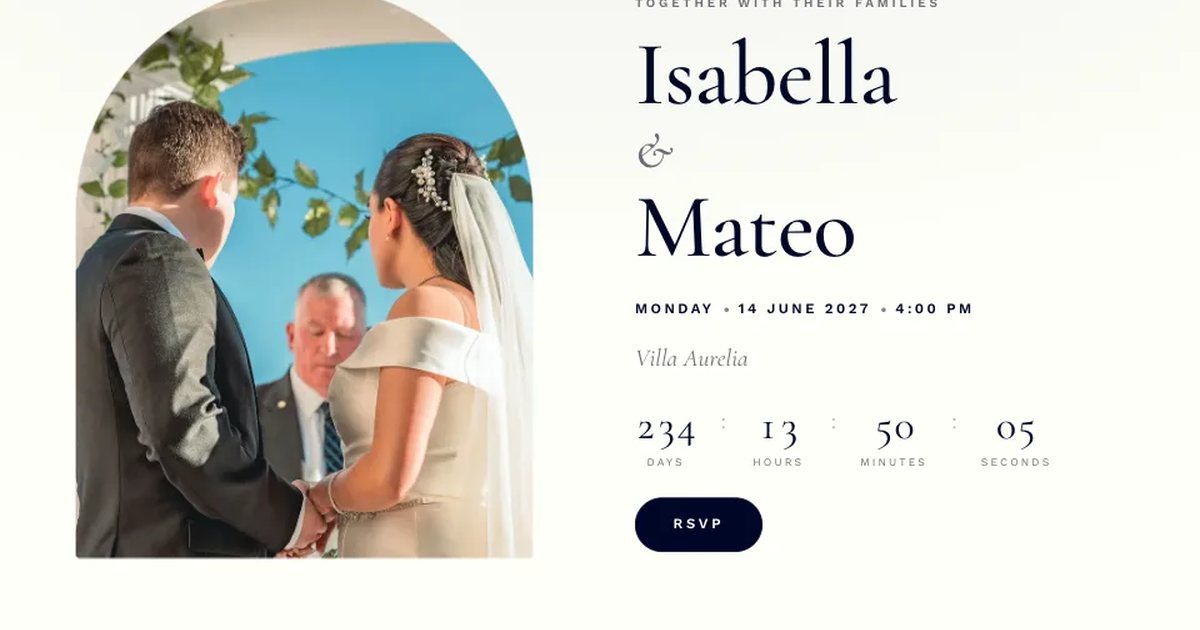
A wedding website gives every guest one link for everything: the date, the venue, the dress code, the program and the RSVP. When something changes, you update one page instead of resending a message to two hundred people. Here's how to make one, and what to put on it.
Why have a wedding website
- One link for every detail. Guests stop asking you for the venue address the week of the wedding.
- RSVPs in one list. Replies come in through a form, not across Messenger, Viber and texts.
- Easy updates. A new call time or a change of venue reaches everyone at once.
- Room for everything the invitation can't fit: your entourage, your story, directions and gift details.
What to put on your wedding website
You don't need every section. Pick the ones your guests will actually use:
- Your names, the date and a countdown
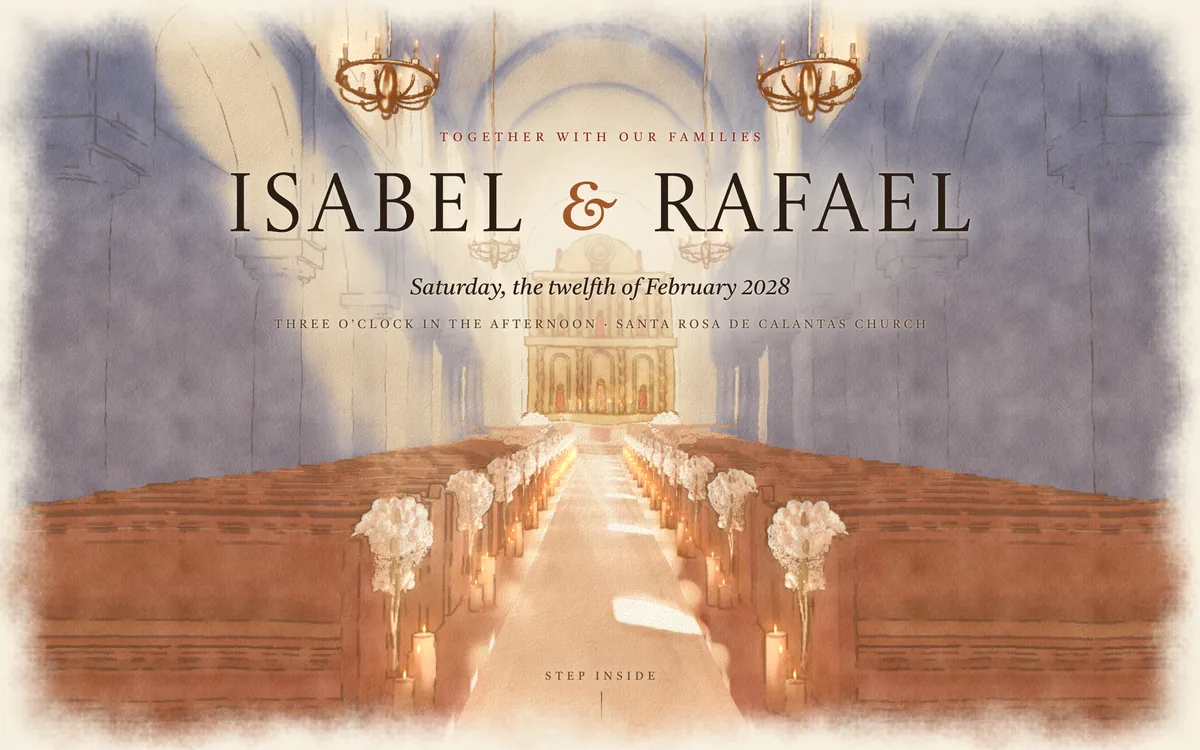
- The program, from the ceremony to the send-off
- The venue, with a map and parking notes
- Dress code and motif colours
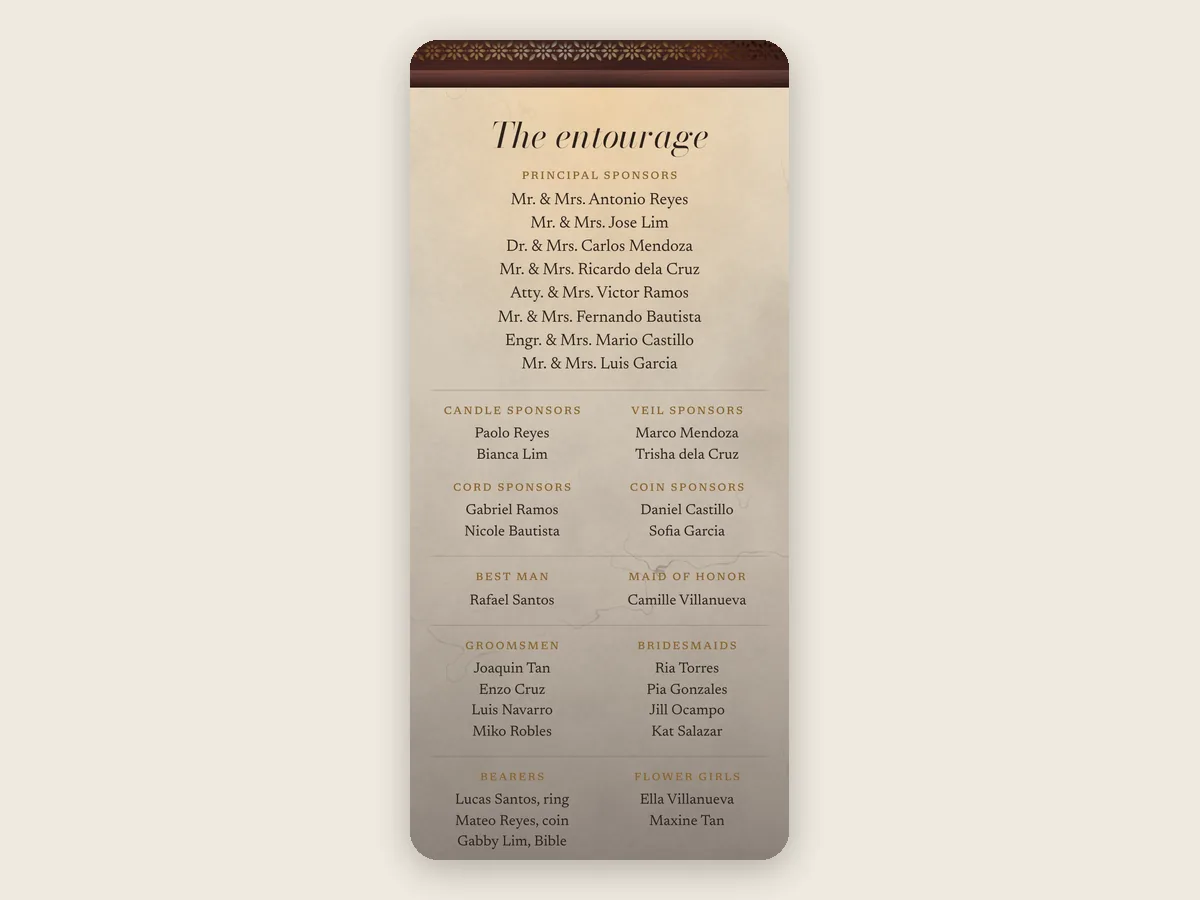
- Principal sponsors and the entourage
- Where to stay and how to get there, for guests from out of town
- Gifts, with your GCash or bank QR code
- FAQs: can I bring my kids, is there parking, what time should I arrive
- The RSVP form, with a deadline
Not sure what to write? Our wedding invitation wording guide has lines you can copy for the invitation, RSVP, dress code and gifts.
How to make a wedding website, step by step
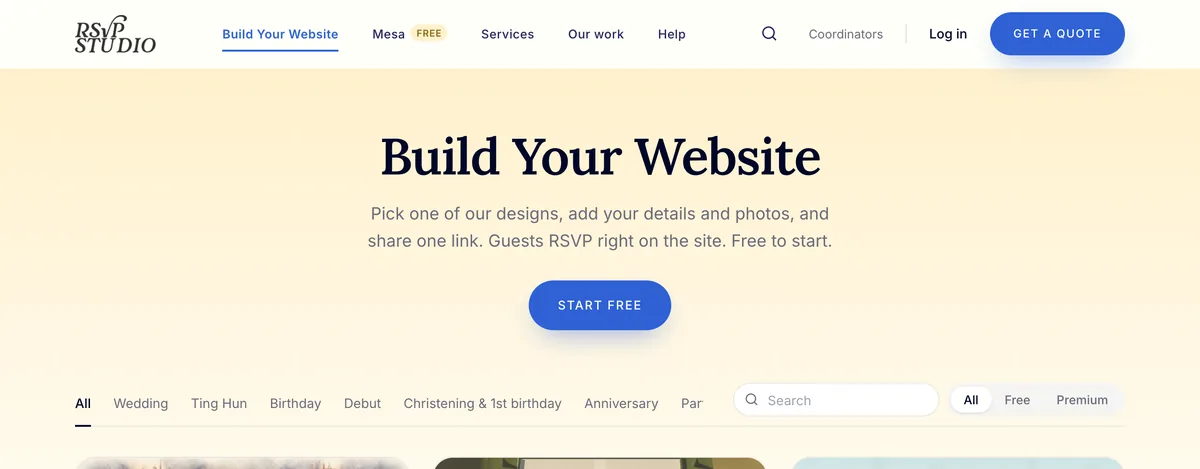
- Pick a design. Browse the designs and open any of them to see it full-screen with sample details. Free and Premium designs are marked.
- Tell us about your wedding. Your names, the date and the venue go straight onto the site, so you start with real details instead of a blank page.
- Fill in your sections. The builder shows a live preview as you type. Hide any section you don't need.
- Set up your RSVP. Add a reply-by date and your own questions, like meal choices or song requests. Free websites get one question and Premium websites get up to five.
- Decide who can see it. Every website, free or Premium, can ask guests for a password before they open it.
- Publish and share. Your site stays a private draft until you publish it. Then copy your link and send it with your invitation.
Most couples finish a first version in an afternoon, then add the program and entourage as the wedding gets closer.
Free or Premium?
A free website includes any free design, the RSVP form with a deadline, a confirmation email for every guest who replies, an invite list that shows who hasn't replied, and one email a day with your new RSVPs. It stays online until 30 days after your wedding.
Premium is a one-time fee per website. It adds:
- an email the moment each guest replies
- confirmation emails sent in your names
- a reminder email to guests two days before
- a page where guests share their photos from the day
- a "find your table" page for the reception
- all Premium designs
- your website online for a year after the wedding
You can start free and upgrade anytime from the builder. The FAQ has the current price.
Your own web address
Every website gets a link on thersvpstudio.com. If you'd like your own, like isabelandrafael.com, you can add one from ₱1,499 a year.
When to share your website
Many couples share their website with their Save the Date, so guests can book flights and leave early, then send the formal invitation with the RSVP deadline. If you're planning a destination wedding, give guests more notice than you think they need.
Frequently asked questions
Is a wedding website free?
On The RSVP Studio, yes. You can design, preview and publish a wedding website with any free design, with an RSVP form and confirmation emails included. Premium is a one-time fee per website for extras like instant reply emails and guest photo sharing.
What should a wedding website include?
Your names and date, the program, the venue with a map, the dress code, your entourage, gifts, FAQs and an RSVP form with a deadline. Add travel and accommodation details if guests are coming from out of town.
Can I password-protect my wedding website?
Yes. Every RSVP Studio website, free or Premium, can ask guests for a password before they open it.
How long does a wedding website stay online?
A free website stays online until 30 days after your wedding, and a Premium website for a year after it.
Rather have it made for you?
If you'd rather not build it yourself, we make wedding websites for you:
- Semi-Custom, from ₱3,000: one of our designs with your details and photos, ready in 5 to 7 business days.
- Custom, from ₱8,000: designed around your wedding, with three rounds of changes, a free .com or .net for the first year, and we follow up with guests who haven't replied.
Get a quote for your wedding website, or start building your own for free.